

Base Plate and Anchor Reinforcement Design using RISA and IDEA StatiCa
-
2026-06-24T16:00:00.0000000Z(in your local time, 24-hour format)
Webinar date:
Speakers

IDEA StatiCa US

IDEA StatiCa US
No more manual load entry or rebuilding your model by hand. The Integrator automatically pulls your RISA geometry and analysis forces together, preserving every load combination and delivering member forces that are already in equilibrium, so the joint you open in Checkbot is ready to design from the first click.
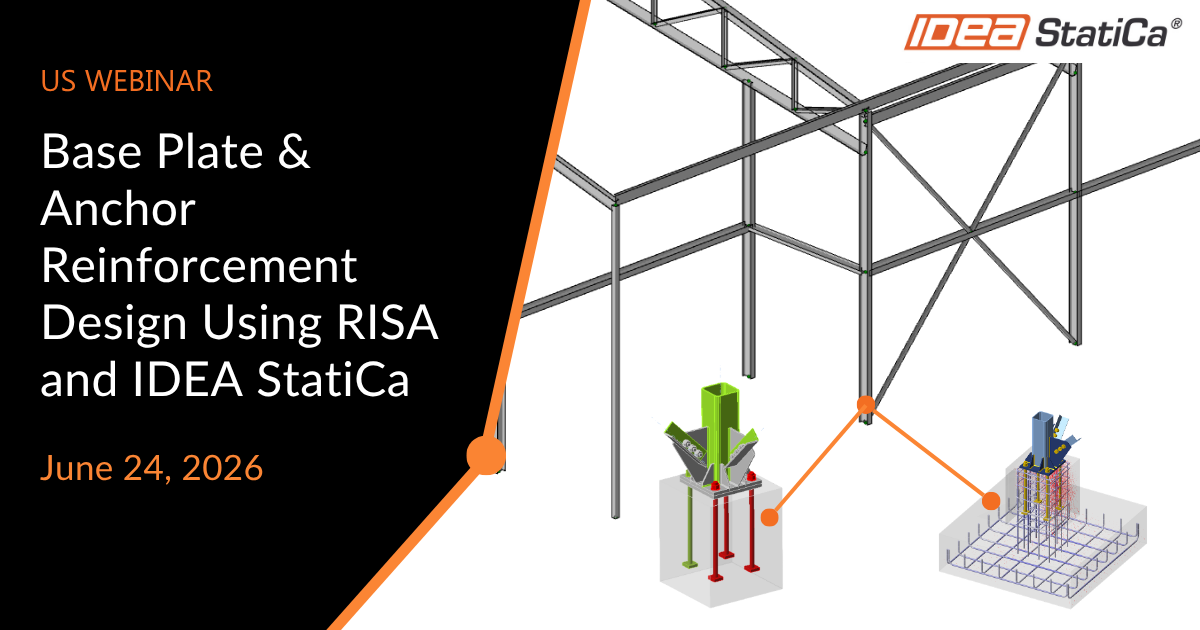
From there, we go further than ever! Following a single base plate from start to finish, you'll see the steel connection analyzed with unreinforced concrete, the anchorage reinforcement handed off through the RC check, and the pedestal reinforcement modeled and verified in Detail. The full path from structural model to finished foundation design, all in one connected process.
During this one-hour session, we will go through the full process:
- Start in RISA-3D — prepare and solve the structural model, then export the model and the member section forces
- Run the new RISA-IDEA Integrator app — combine the two RISA exports into a single SAF file in a few clicks
- Open IDEA StatiCa Checkbot — create a project and import the generated file, then review the imported model
- Design the base plate — Open a base plate node and model the base plate connection from the imported joint
- Run the connection analysis — analyze and check the base plate and anchors with unreinforced concrete in Connection
- Send the anchorage to Detail for an RC check — If anchors fail, use RC check to send information to reinforced concrete app Detail.
- Reinforce the concrete in Detail — model, design and verify the pedestal/foundation and anchorage reinforcement.
- Obtain results — review the complete set of steel and concrete results across the workflow, and print report.
👉 Please note: PDH certificates will be sent two (2) days following webinar for those who attend the webinar only. If you require a more detailed certificate, please reach out to [email protected] with required details.
👉 Have questions? Reach out to us directly at [email protected]